Scan to Download
Introduction
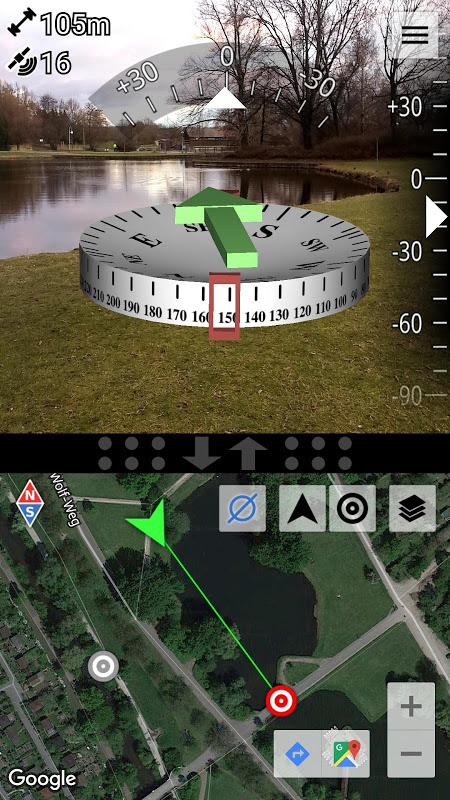
AR Compass brings augmented reality navigation to your phone, overlaying a compass and a green arrow that points toward a chosen landmark so you can find coordinates, geocaches or meeting points more quickly. The app fuses magnetic field, accelerometer and gyroscope data for a stable, precise heading and pairs an adjustable split-screen map with live GPS readouts including latitude, longitude, speed, altitude and satellite count.
Key Features
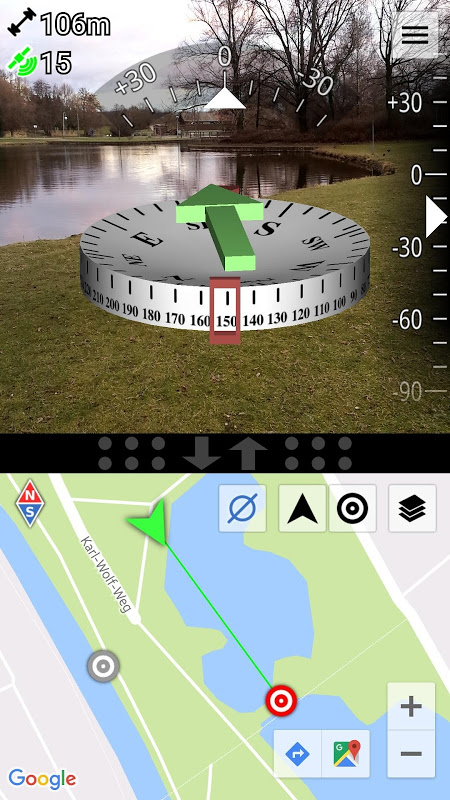
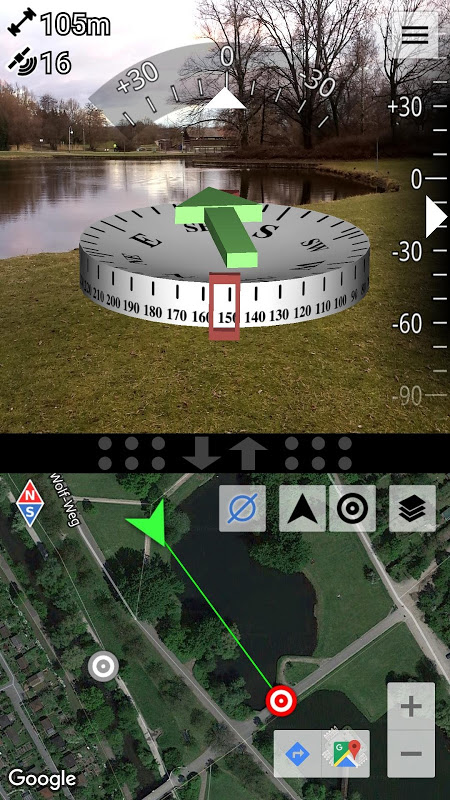
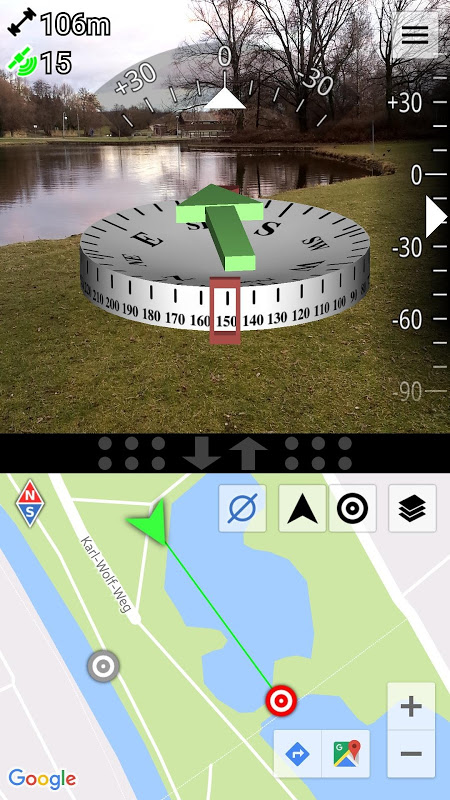
3D augmented reality display with a green arrow that points to the currently selected landmark, making it easier to navigate by sight.
AR Compass uses sensor fusion that combines magnetic field data, accelerometer and gyroscope readings to improve compass stability and reduce jitter from individual sensors.
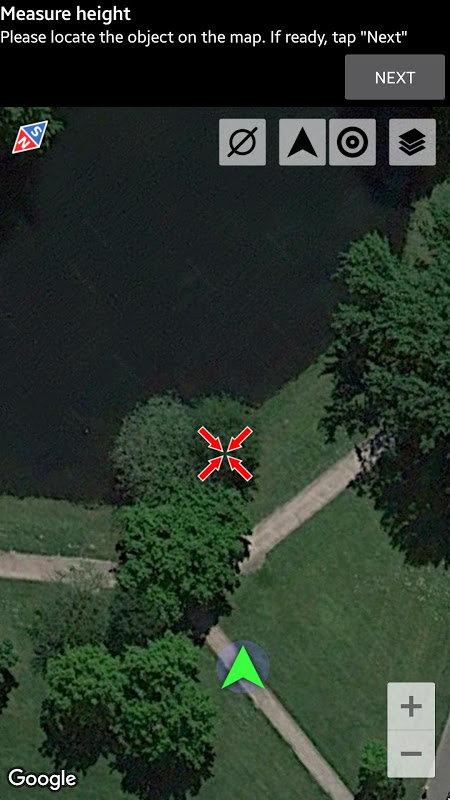
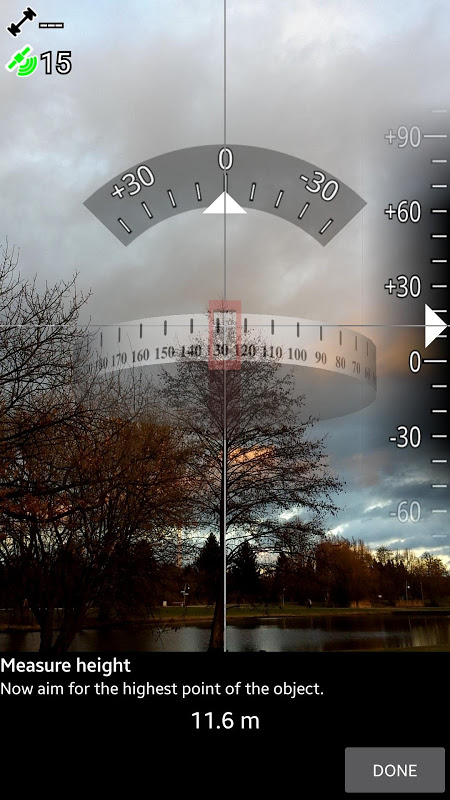
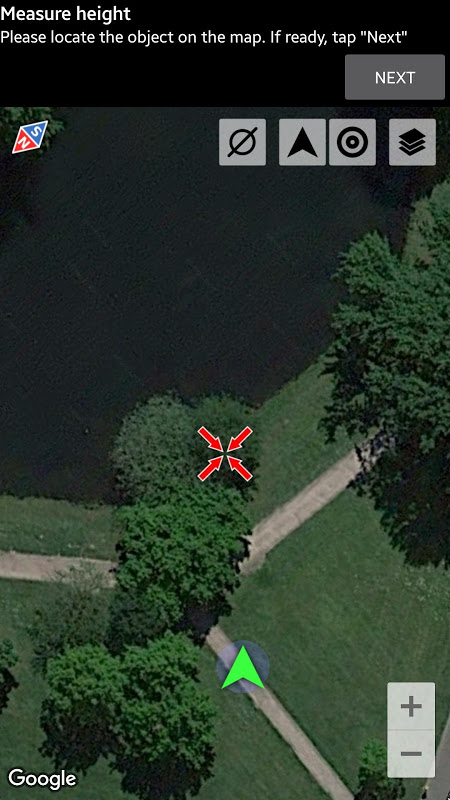
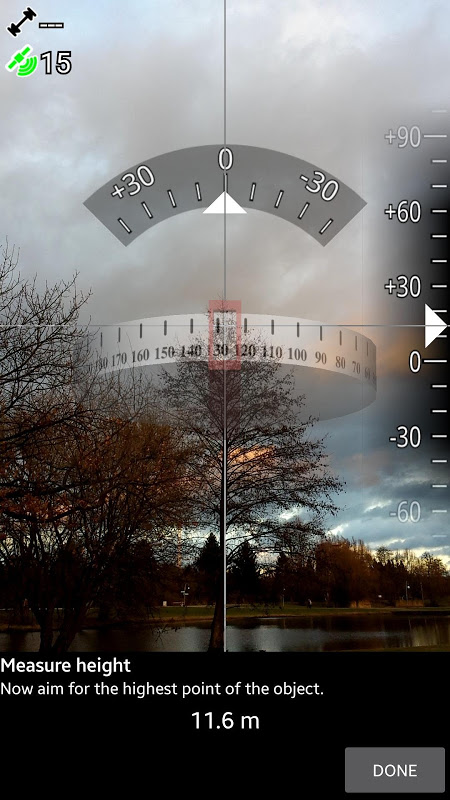
Easy measurement tool to estimate the height of large objects such as houses, trees or towers using angle measurements and basic geometry.
Integrated split-screen map of adjustable size showing your GPS location alongside detailed readouts for latitude, longitude, speed, altitude and number of satellites.
Magnetic field strength measurement and warning indicators to help detect interference and assess local magnetic influences.
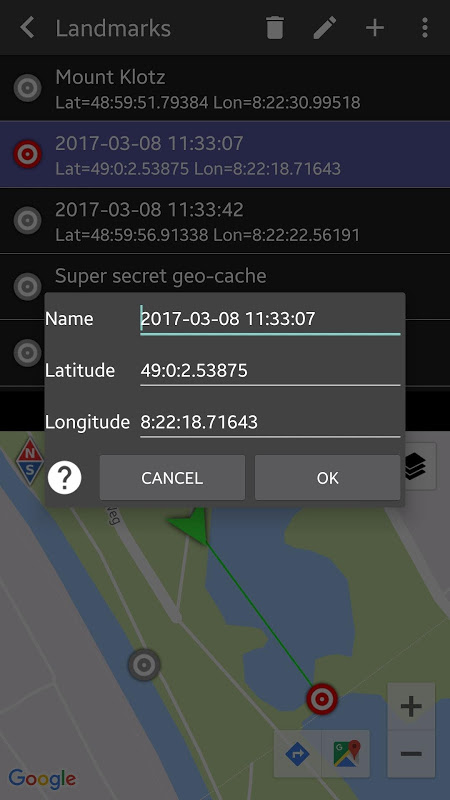
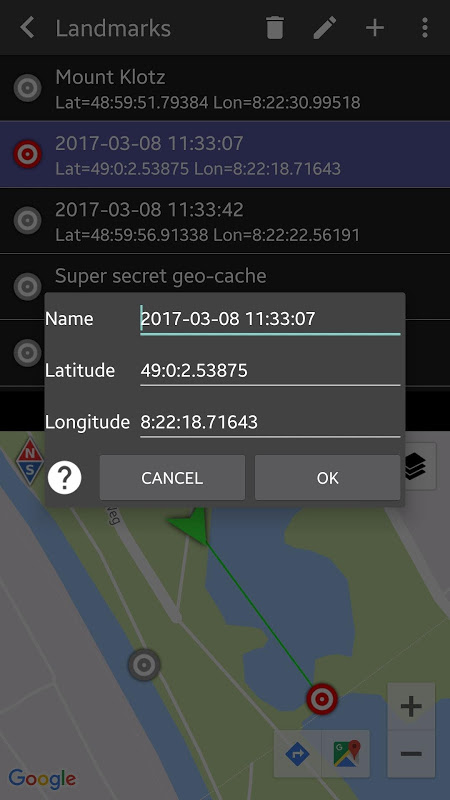
Flexible landmark management: enter coordinates in various formats, long-press on the map to set a point, specify distance and bearing, share locations with others and use stereoscopic displays on compatible devices.
Advantages
The combined AR overlay and map view lets you navigate visually while also checking precise GPS data for confirmation.
Sensor fusion provides a more consistent compass experience by balancing inputs from multiple sensors.
Height-measurement and magnetic field tools broaden the app’s usefulness beyond simple direction finding for tasks like fieldwork and geocaching.
Multiple ways to define and share landmarks make the app handy for meeting points, outdoor navigation and collaborative location sharing.
Disadvantages
Compass accuracy can still be affected by strong local magnetic interference despite warning indicators and calibration guidance.
Core features require a device with working sensors and a reliable GPS signal, so indoor use and older devices may be limited.
Stereoscopic Real3D support is limited to compatible hardware and may not be available on all phones.
Measurement precision depends on user technique and environmental factors when estimating heights or distances.
Development Team
AR Compass is developed by CodeKonditor; the app description was written by Alex from the studio, and additional apps from the same developer are available.
File size: 1.90 M Latest Version: 1.6
Requirements: Android Language: English
Votes: 130 Package ID: com.kettler.argpsc3d
Developer: Alexander Kettler
Screenshots
Explore More

The Map Navigation Software Collection features a wide range of navigation apps, addressing the issue of friends being unsure of their way when heading out. These apps provide precise navigation for users and adjust routes based on real-time traffic conditions to ensure users reach their destination quickly.













Popular Apps






-
2
PS2X Emulator Ultimate PS2
-
3
Controls Android 14 Style
-
4
Slotomania
-
5
Jackpot Friends Slots Casino
-
6
Klompencapir Game Kuis Trivia
-
7
Know-it-all - A Guessing Game
-
8
A Growing Adventure: The Expanding Alchemist
-
9
Justice and Tribulation
-
10
Toothpick