SlideLynk: Presentation Remote
Category: Productivity Date:2026-04-17 10:24:01
Rating: 4.5 Tags: Navigation
Scan to Download
Introduction
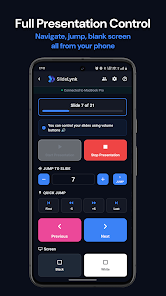
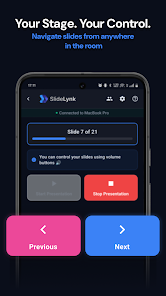
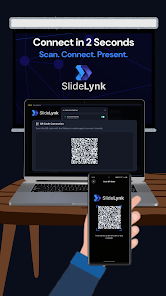
SlideLynk: Presentation Remote turns your phone and Wear OS smartwatch into a wireless presentation remote, letting you control Microsoft PowerPoint and Apple Keynote from anywhere in the room by connecting to a desktop over WiFi. The app removes the need for dongles, Bluetooth pairing or direct line-of-sight so presenters can move while advancing slides, blanking the screen or jumping to a specific slide. A free desktop companion is required to connect the mobile app to your computer.
Key Features
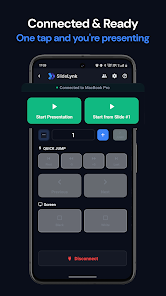
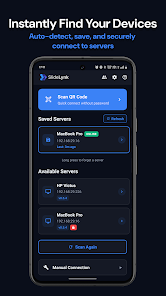
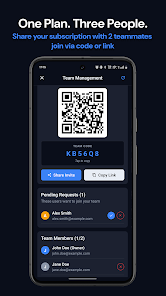
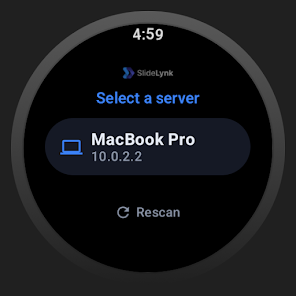
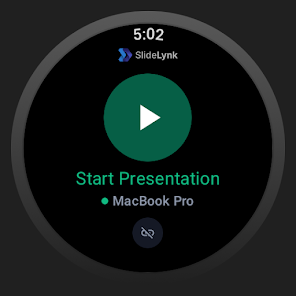
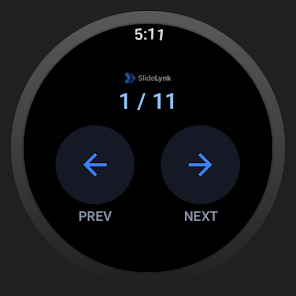
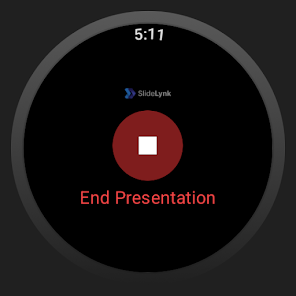
Control slides from your phone or a Wear OS watch with next/previous and start/stop functions and live slide numbers on the wrist. Large, easy-to-tap mobile controls include jump-to-slide and a live progress indicator for smoother pacing. Multiple connection options cover one-tap QR pairing, automatic server discovery, manual IP entry for restricted networks and mobile hotspot support. Screen blanking (black/white) and optional volume-button navigation help you focus the audience. Saved servers, synced passwords and real-time online/offline status simplify repeat setups. A desktop companion is available for Windows, macOS and Linux, and Pro features add hardware-button navigation, deeper watch integration and team sharing after a one-month trial.
Advantages
SlideLynk: Presentation Remote keeps communication on your local network to protect presentation content and avoids sending slides to external servers. Cross-platform compatibility makes it easy to present from PowerPoint or Keynote while controlling slides from phones, tablets and Wear OS watches. The design aims for quick setup and clear status so presenters and technical staff can prepare reliably.
Disadvantages
The mobile app requires the free desktop companion to control slides from your device. Some advanced capabilities such as unlimited saved servers and full watch control are part of the Pro tier after the trial ends. All communication is local-network only, so cloud-based remote control over the internet is not supported.
SlideLynk: Presentation Remote is intended for teachers, students and business professionals who want a straightforward, privacy-focused remote for live presentations; try the optional Pro trial to evaluate additional tools for team use and watch-based navigation.
File size: 50.00 M Latest Version: 1.1.0
Requirements: Android Language: English
Votes: 496 Package ID: com.slidelynk.mobile
Developer: SlideLynk
Screenshots

Explore More
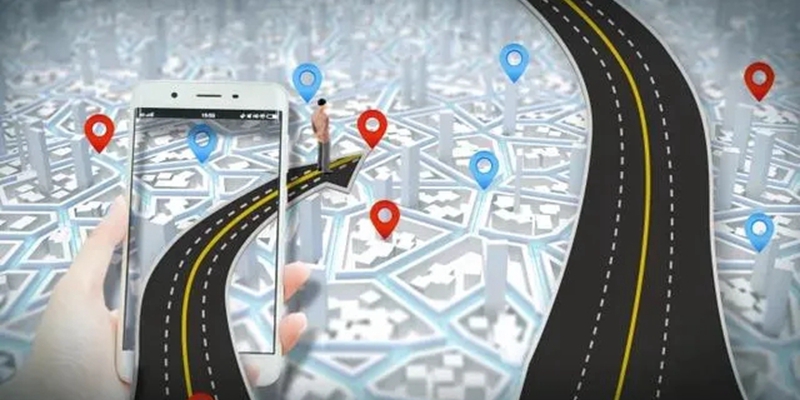
The Map Navigation Software Collection features a wide range of navigation apps, addressing the issue of friends being unsure of their way when heading out. These apps provide precise navigation for users and adjust routes based on real-time traffic conditions to ensure users reach their destination quickly.






Popular Apps






-
2
PS2X Emulator Ultimate PS2
-
3
Controls Android 14 Style
-
4
Slotomania
-
5
Jackpot Friends Slots Casino
-
6
Klompencapir Game Kuis Trivia
-
7
Know-it-all - A Guessing Game
-
8
A Growing Adventure: The Expanding Alchemist
-
9
Justice and Tribulation
-
10
Toothpick