
Introduction
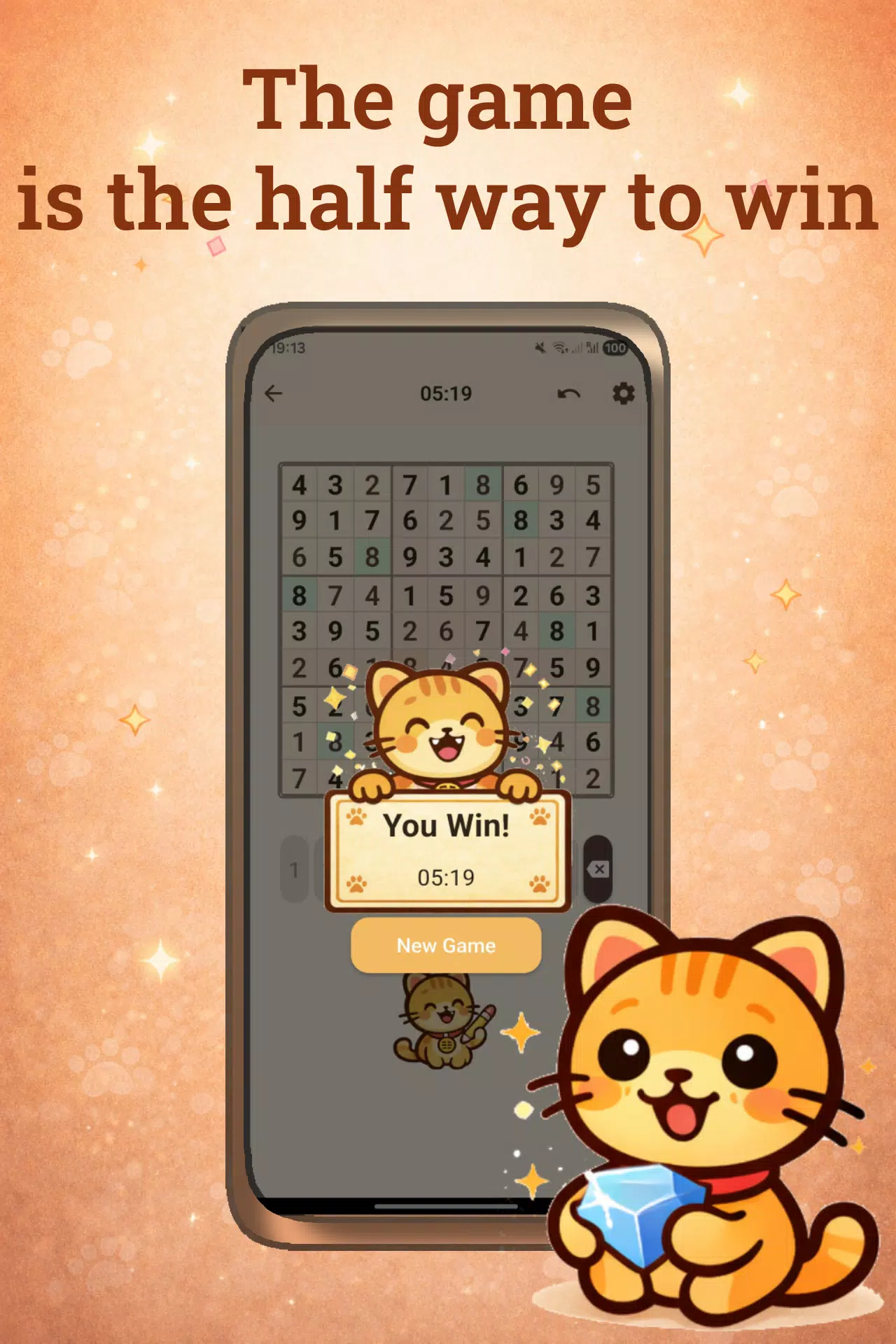
Catudoku is a cozy, cat-themed sudoku app that blends classic 9x9 number puzzles with a relaxing visual style and thoughtful tools, designed for players who want a calm way to train logic and unwind. The interface keeps standard sudoku rules front and center while adding helpful conveniences like notes mode, undo, optional hints and a timer so both beginners and experienced solvers can enjoy short mindful breaks or longer focused sessions. You can play offline with auto-save preserving your current board, return to in-progress puzzles at any time, and tailor the pace of each session to your preferences in Catudoku.
Gameplay and mechanics
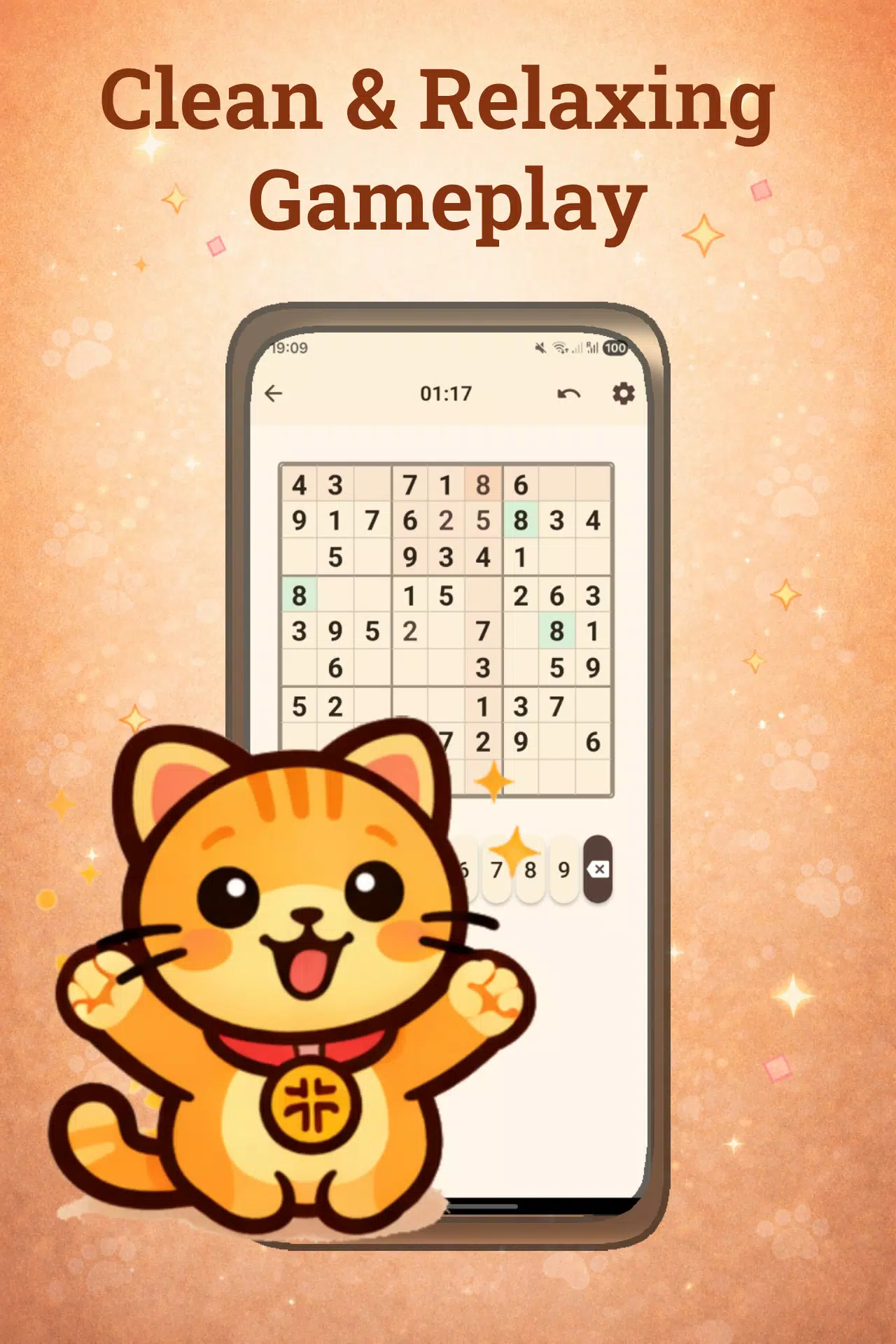
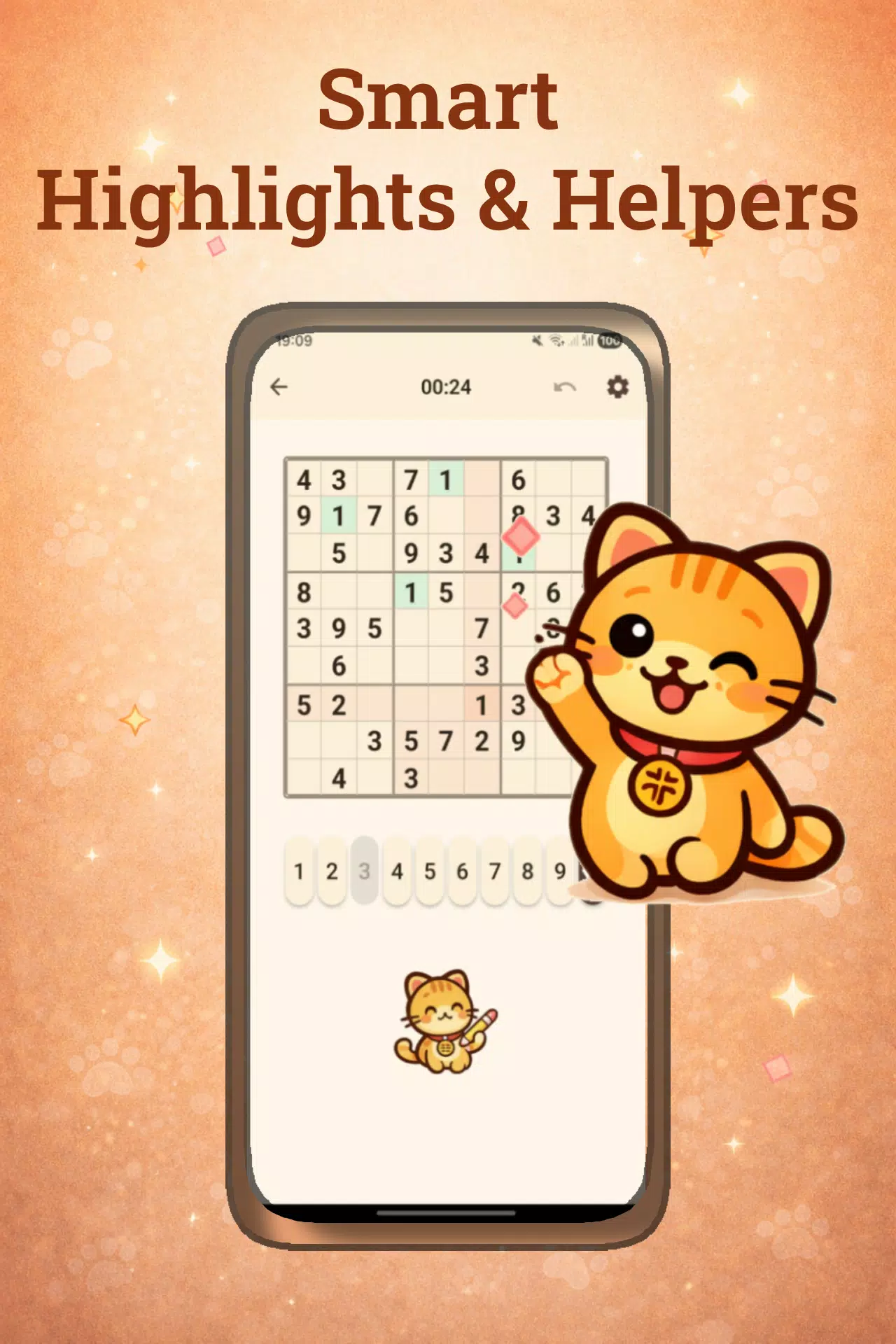
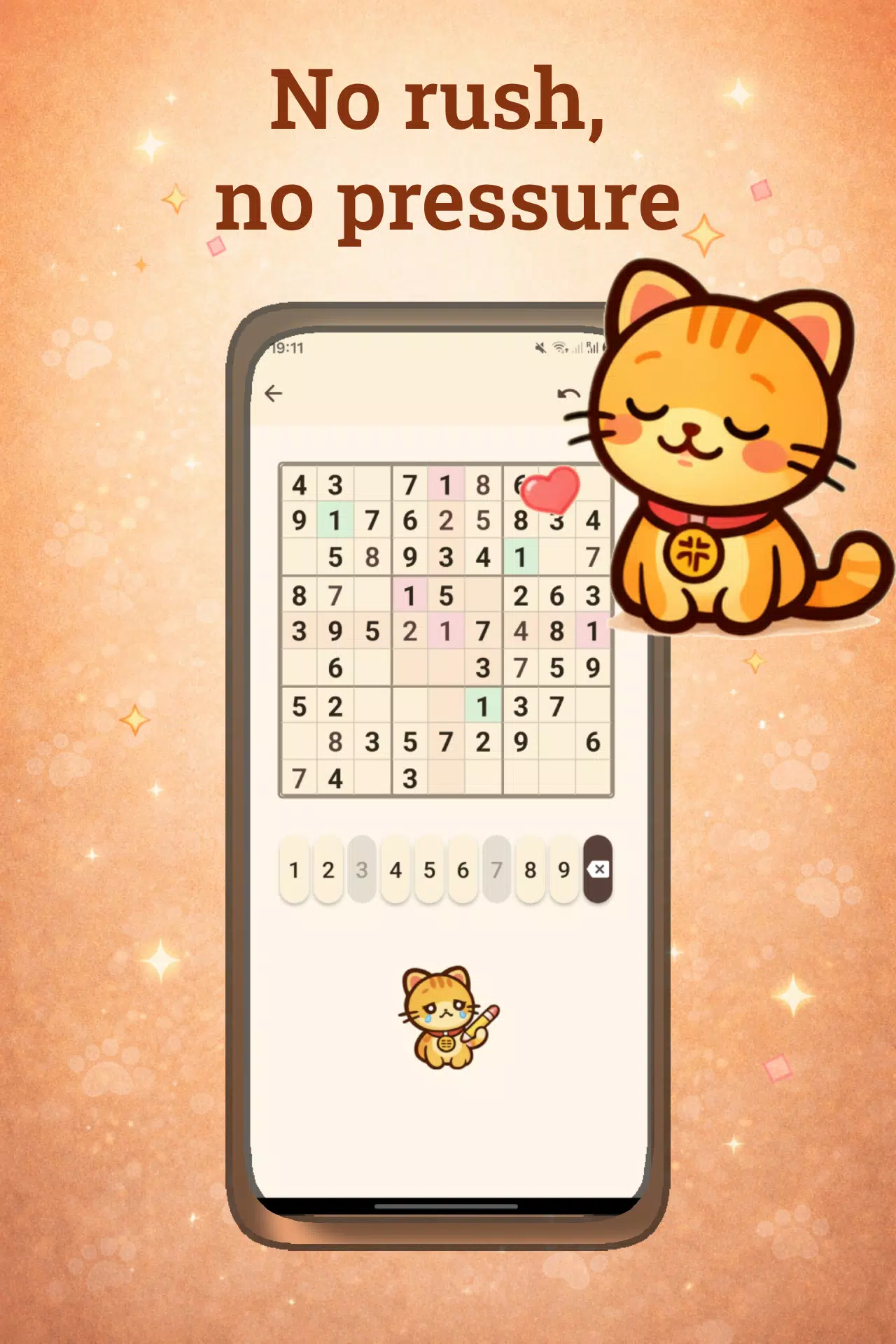
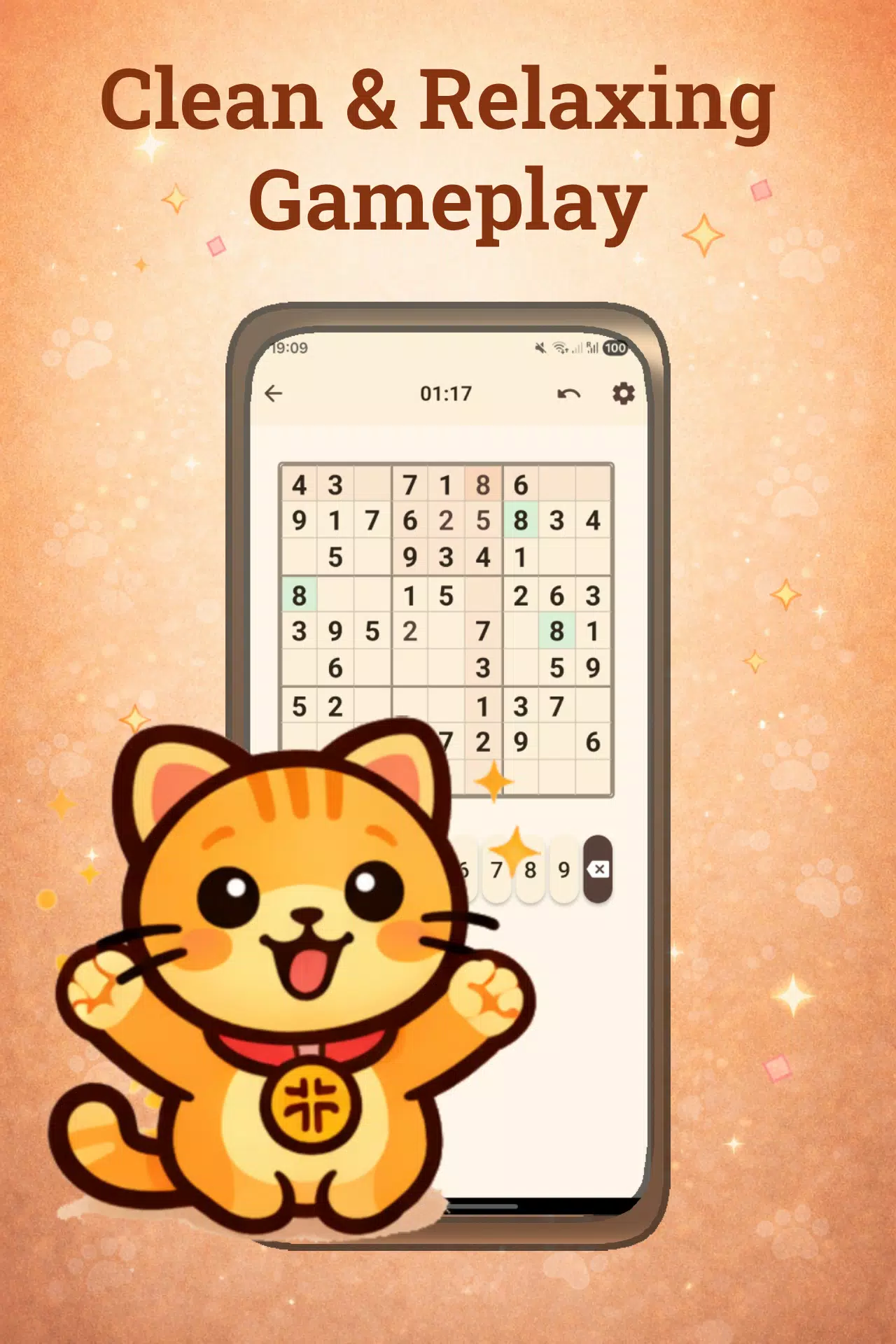
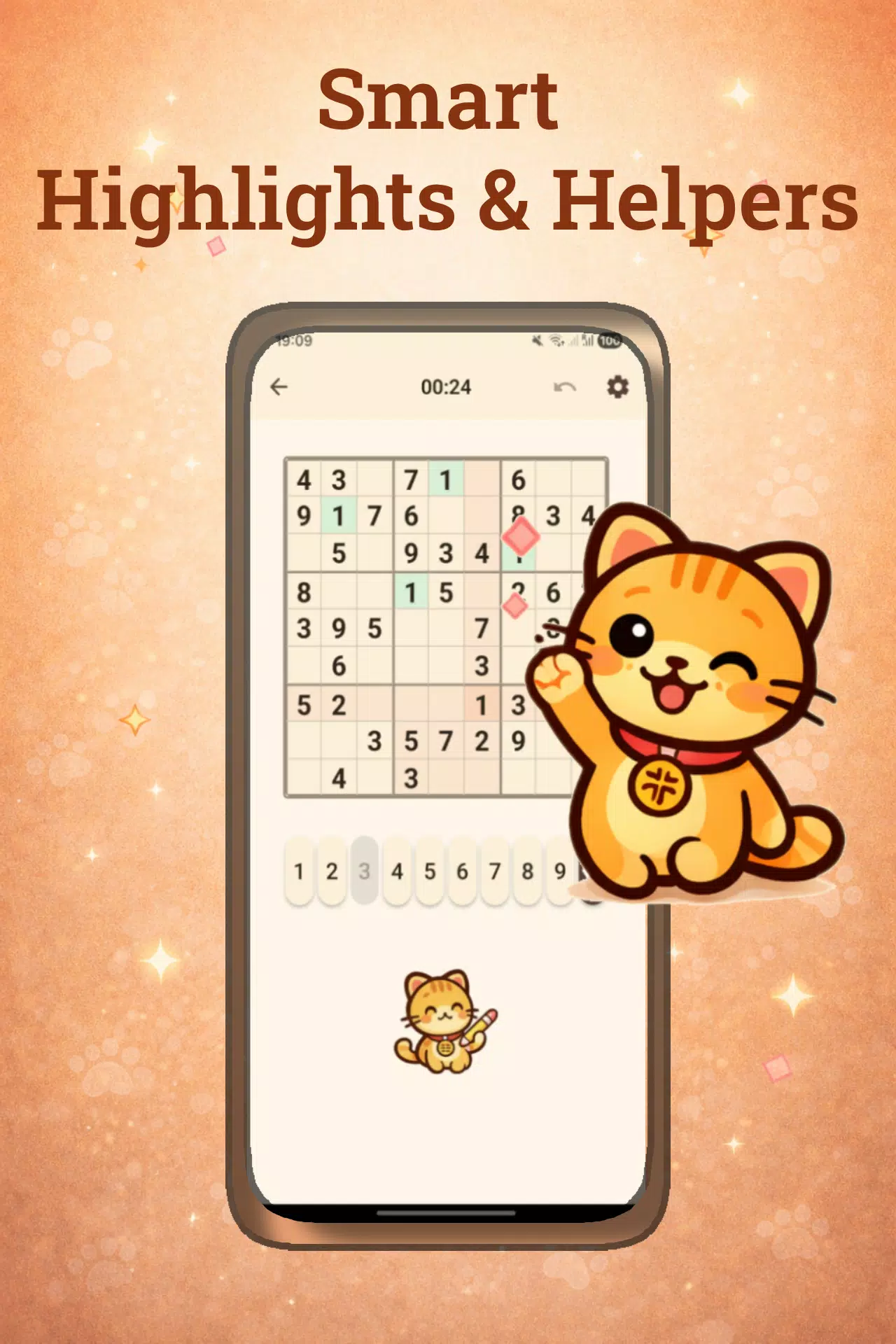
The core experience follows standard sudoku mechanics: fill each row, column and 3x3 block with the numbers 1–9 without repetition. Catudoku emphasizes clear, consistent rules and a calm solving flow. Puzzles are presented on a single 9x9 grid with subtle feedback for illegal moves and optional error highlighting to help you learn from mistakes. Notes mode gives a reliable way to pencil in candidate numbers, while the undo control lets you step back through recent changes without losing your place.
Controls and user interaction
Controls are simple and touch-focused: tap to select a cell and enter a number, use a secondary input method to add or remove pencil marks, and access hints or undo from on-screen controls. The UI is designed to minimize accidental inputs and to make common actions reachable with one hand. A clearly labeled timer and pause function are available for players who like to track solving time, and auto-save runs in the background so you can close the app and resume where you left off without worrying about lost progress.
Progression and level structure
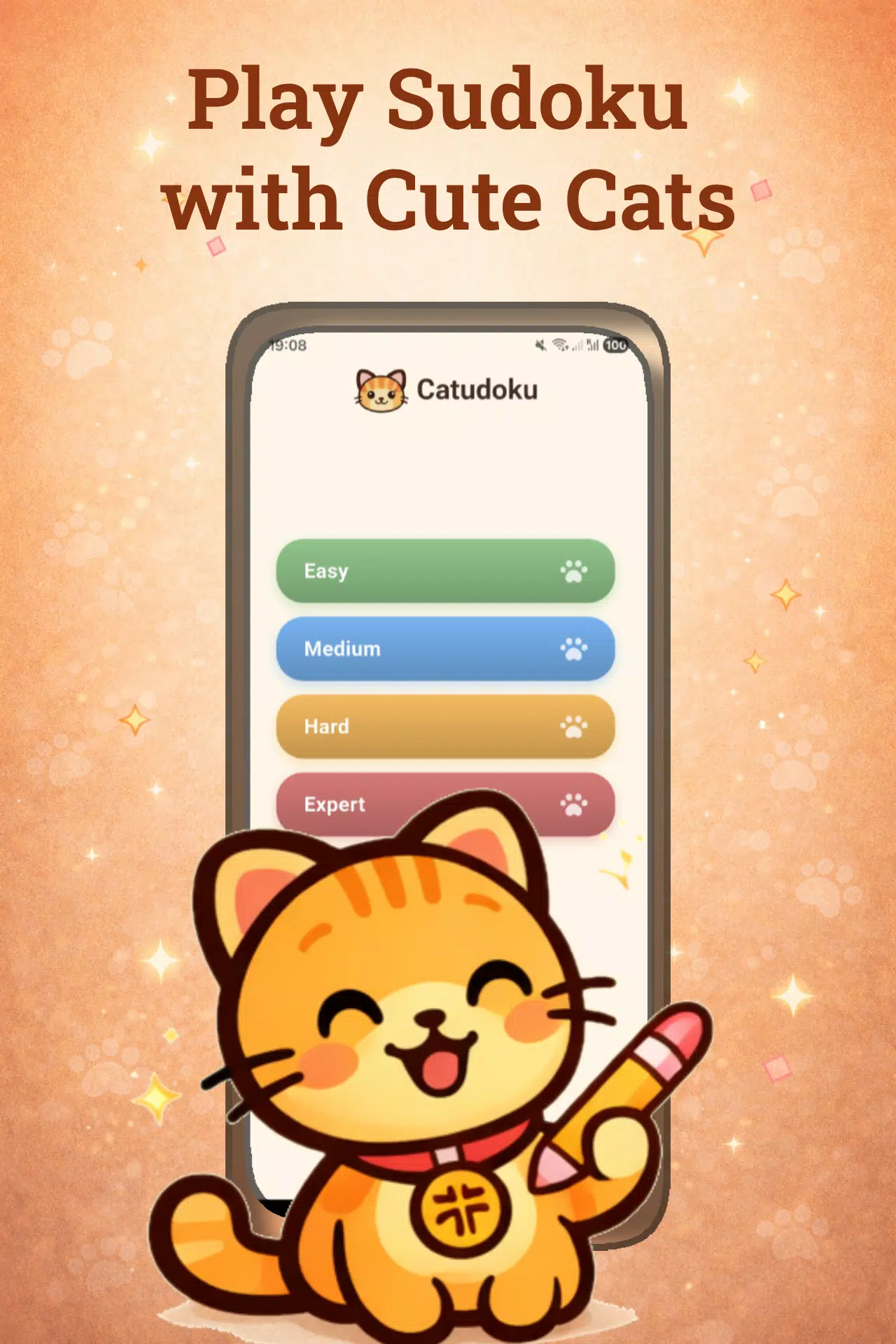
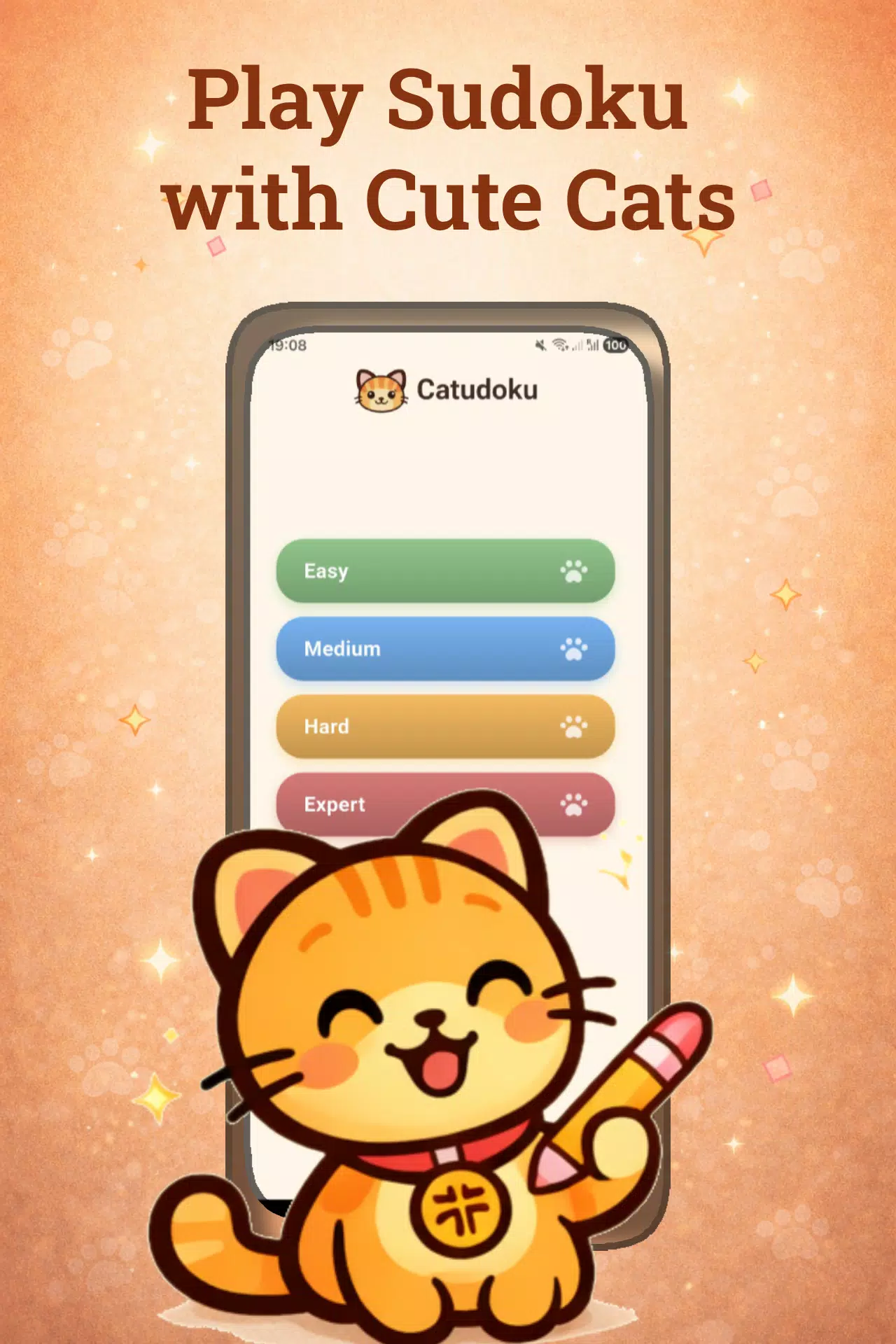
Catudoku organizes puzzles into four difficulty tiers ranging from easy to expert, allowing a gradual progression from straightforward placements to puzzles that demand advanced logic techniques. Difficulty adjusts the complexity of given clues and the types of deductions required, so new players can learn core patterns while experienced solvers face larger reasoning challenges. Progression is driven by personal improvement rather than competitive ranks: you choose a level, practice the techniques it emphasizes, and return to more difficult tiers when you feel ready.
Visual style and customization
The app is built around a warm, cat-inspired aesthetic that keeps the presentation soft and non-distracting; backgrounds, iconography and small decorative touches create a friendly atmosphere without interfering with clarity. Visual options let you control grid contrast and the visibility of pencil marks and error highlights to match your preferred reading comfort. These modest customization choices help make long solving sessions easier on the eyes while preserving the precise layout needed for logical play.
Accessibility and user experience
Readability and simple navigation are priorities: large selectable cells, clear number buttons and accessible contrast settings support a wide range of users. The notes system and undo function reduce cognitive friction for players who are learning, and optional error highlighting is available for those who prefer guided practice. Offline capability ensures the app works reliably without a network connection, which is useful for travel, commutes or situations where data is limited.
Replay value and challenge systems
Replay value comes from the structure of difficulty tiers and the satisfaction of solving logically unique 9x9 puzzles. Because each puzzle focuses on deduction rather than time-limited or competitive mechanics, players can replay similar difficulty levels to practice techniques and improve solving speed. Optional hints are offered as a support tool when a particular logical step is elusive, helping players learn new patterns while preserving the overall challenge of finishing the puzzle under their chosen constraints.
Advantages and limitations
Catudoku's gentle visual approach and robust solving tools make it a good fit for daily brain training and relaxed puzzle play: the combination of notes mode, undo, hints and auto-save supports steady learning and reduces frustration. At the same time, the app focuses on classic 9x9 sudoku, so users looking for a wide variety of puzzle types or highly competitive features may find the scope limited. Catudoku favors deliberate, single-player logic practice over tournament-style or multiplayer systems.
File size: 103.60 M Latest Version: 1.6.0
Requirements: Android Language: English
Votes: 242 Package ID: com.catudoku.app
Developer: Cute Games for people
Screenshots
Explore More

Discover Exciting Action Games for Gamers: Unleash the Fun with Action-packed Adventures like Invincible Action, Co-op Thrills, DNF, Street Fighter, Combat, and Boxing Classics. Enjoy a Variety of Popular Action Mini-games to Play Online for Free, along with Collections of Hot Action Mini-games and Downloads. Invite your friends for a thrilling gaming experience!







![[777Real]e 終末のワルキューレ APK](https://image.gamespot.com.cn/upload/202607/02/60b485nwM0cFpAC.jpg)












Popular Games






-
2
PS2X Emulator Ultimate PS2
-
3
Controls Android 14 Style
-
4
Slotomania
-
5
Jackpot Friends Slots Casino
-
6
Klompencapir Game Kuis Trivia
-
7
Know-it-all - A Guessing Game
-
8
A Growing Adventure: The Expanding Alchemist
-
9
Justice and Tribulation
-
10
Toothpick